Introduction
This post explains hosting the WcfEmployee Service on IIS that we previously hosted with in .NET Executable. Hosting the WCF service in IIS provides a robust, efficient and secure features to WCF service.
1. Create a virtual directory that pointing to the Employee Service project in IIS
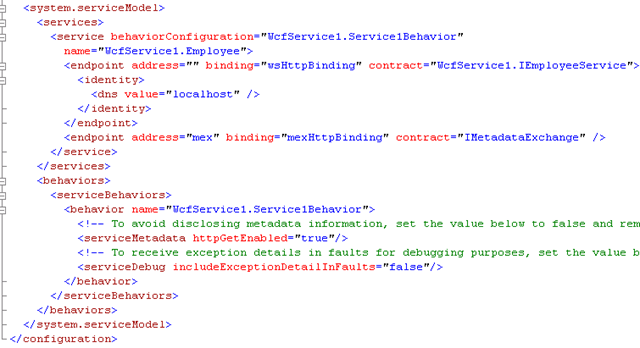
2. Configuring the service in IIS is identical to the configuration used for hosting the service in .NET Executable. The configuration file looks like in the following window
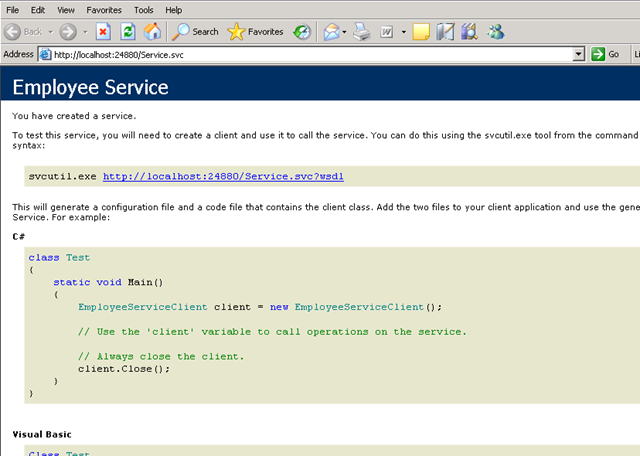
3. Confirm the Availability of the service by browsing the .svc file in browser.
4. Run the client application to consume the service.

